
Generate professional UniFi network documentation in minutes

Automatically turn your Ubiquiti UniFi network data into clear, client-ready documentation with topology, devices, WAN, VLANs, WiFi and more.
Less handling. Less wasted time. More clarity.
Detection of network devices and links.
Detection of network devices and links.
- WAN
- VLAN networks
- Wi-Fi
- Clients
Analysis, organisation and structuring of the data.

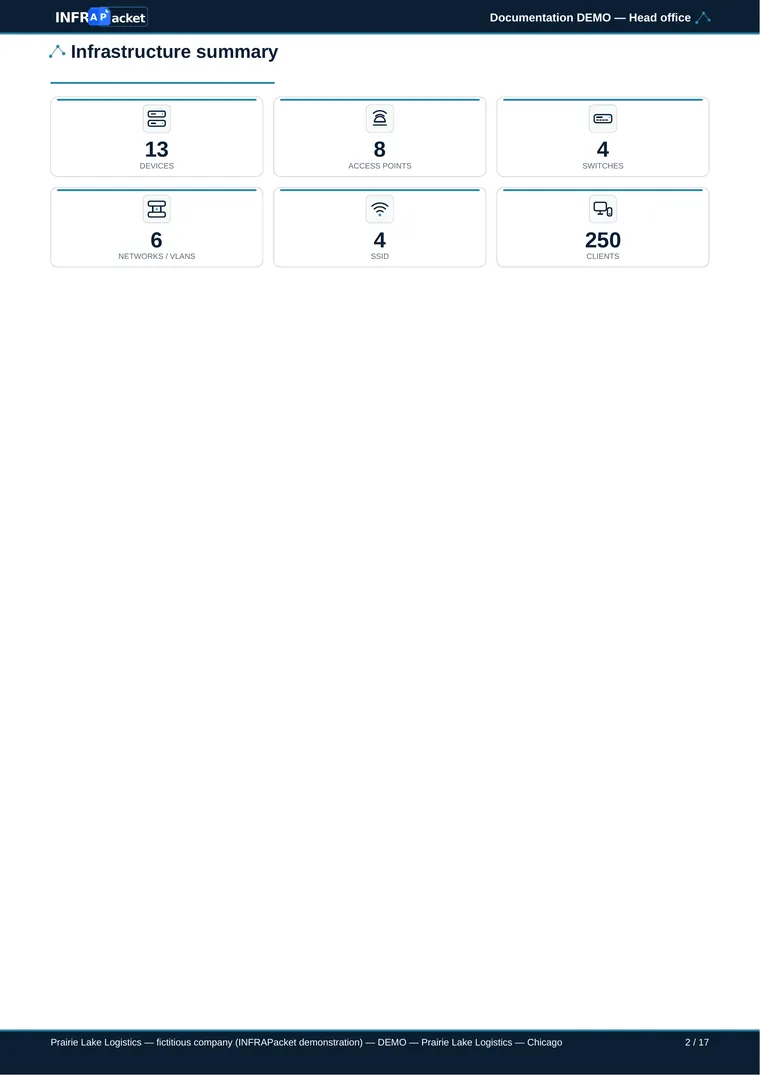
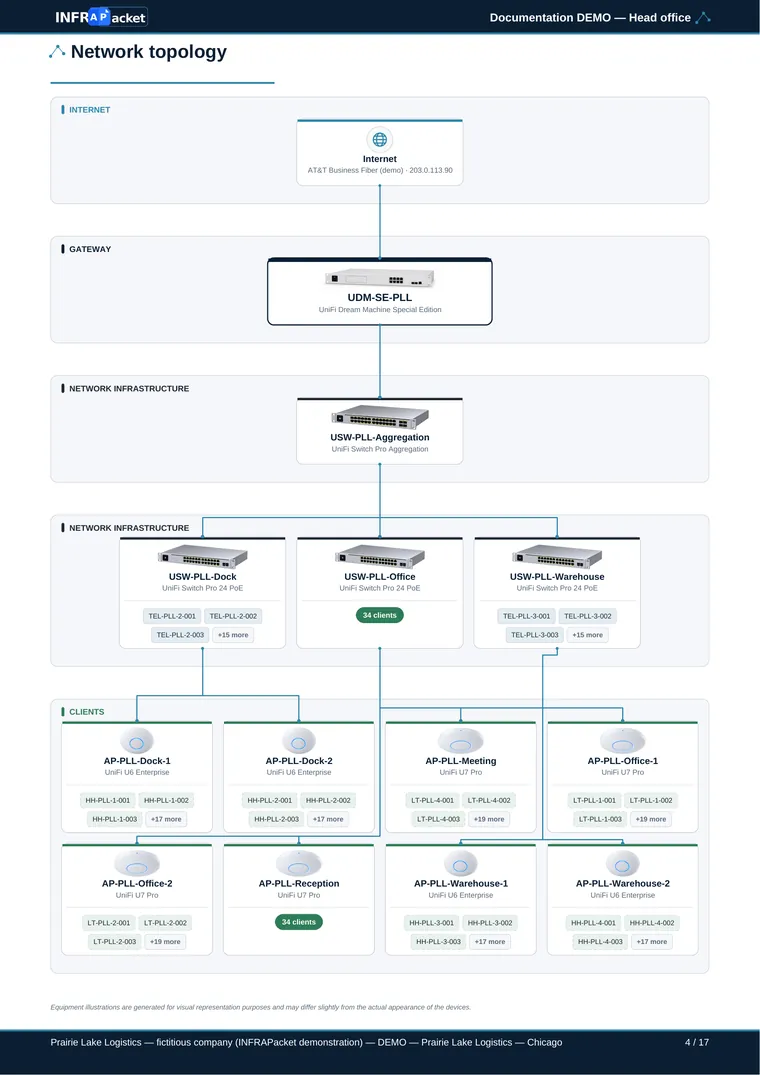
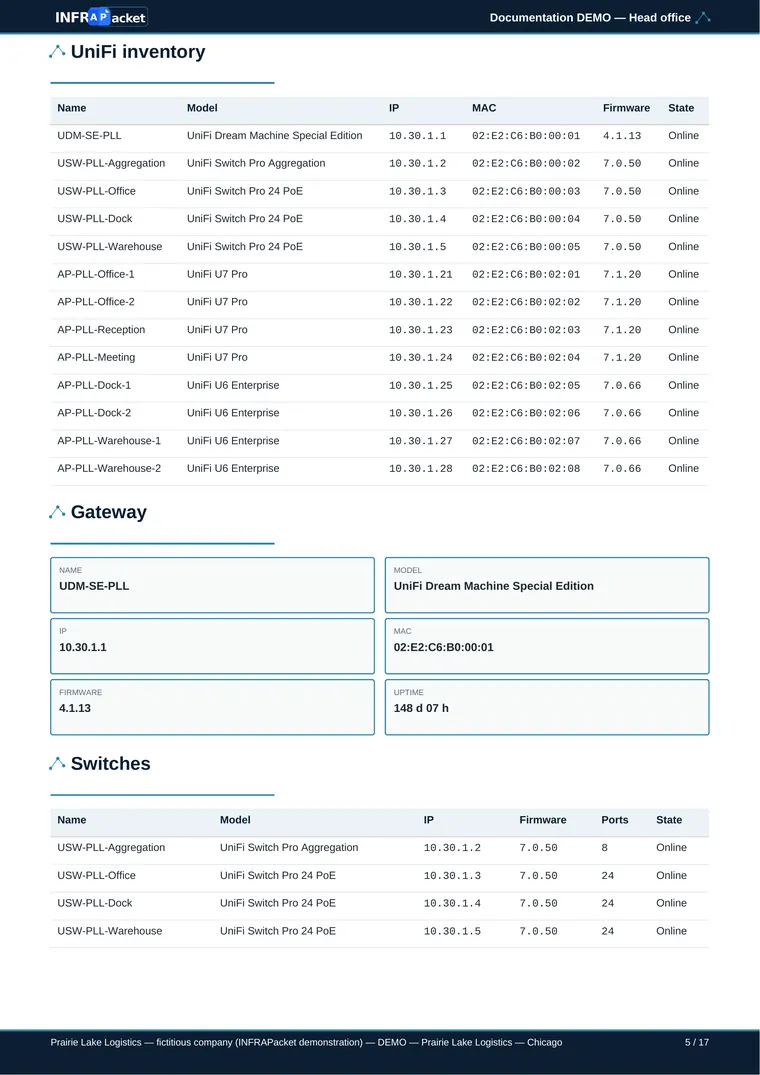
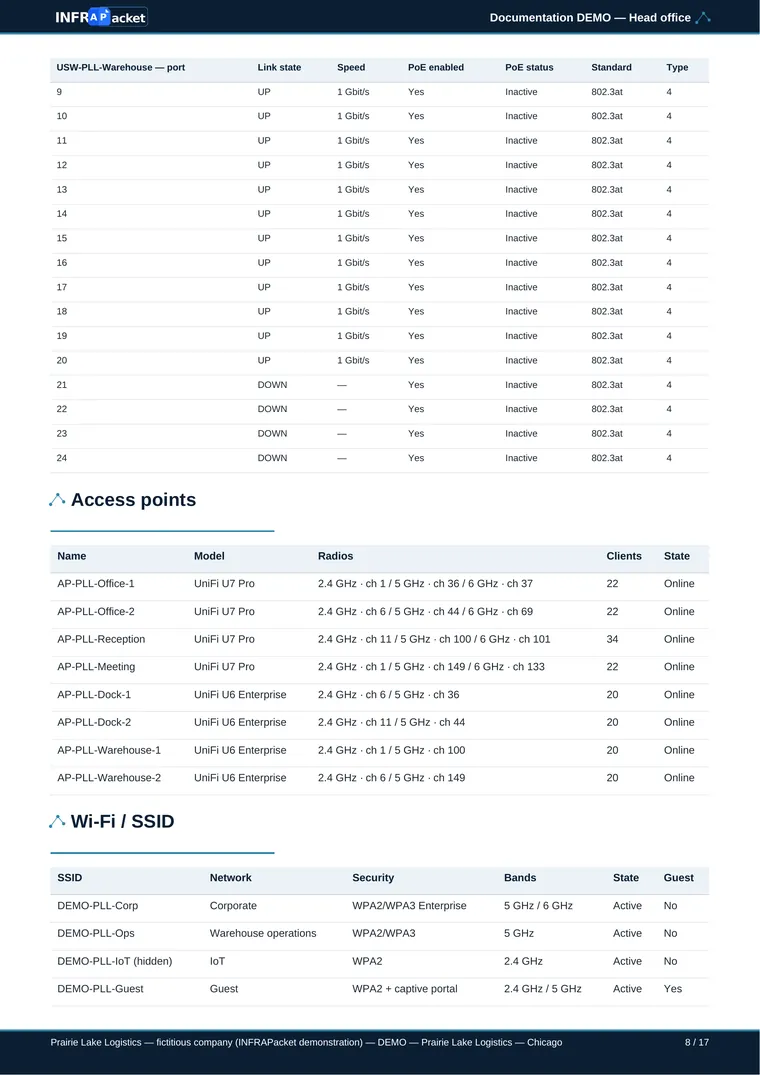
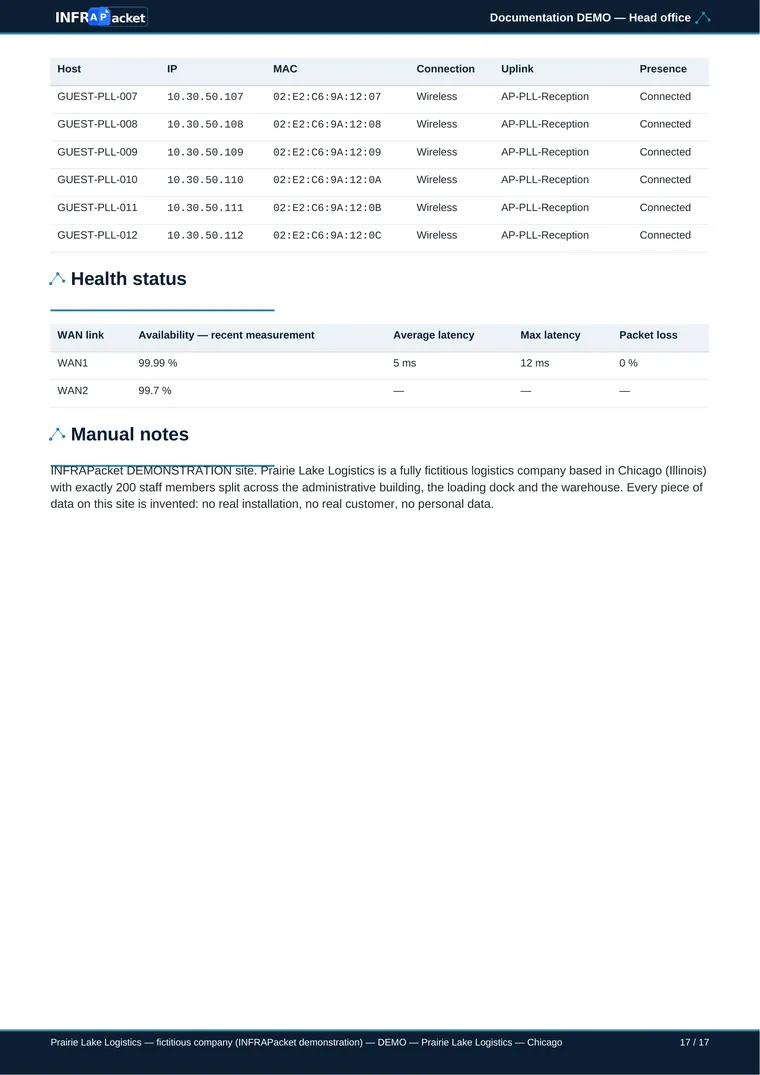
A clear, complete document ready to share.
Immediately simple
A clear interface to generate your Ubiquiti network documentation in a few clicks.
Structured documentation
Standardise network information in a clear, consistent format from one site to the next.
Fewer manual steps
Cut out copy-pasting, screenshots and tedious layout work.
Professional output
Readable, clean and customisable documents for your clients or teams.
Fast updates
Regenerate documentation after network changes without rebuilding the layout from scratch.
What can you include in your UniFi network documentation?
INFRAPacket structures the key information from your UniFi network into clear documentation for technical teams and client handover.
Network topology
Visualise gateways, switches, access points and network connections.
Learn more about UniFi topology documentationDevice inventory
Keep a structured overview of the UniFi equipment installed on each site.
WAN connections
Document internet connections and available WAN information.
VLANs & networks
Present configured networks and VLANs in a clear, readable format.
See a UniFi network documentation exampleWiFi networks
Document wireless networks and their relevant configuration.
Connected clients
Include useful information about detected network clients.
Built for UniFi installers and integrators
Whether you manage a few installations or deploy UniFi networks for many customers, INFRAPacket helps you standardise your documentation and deliver a consistent, professional result.
For installers
Spend less time assembling screenshots and network information manually. Generate documentation that is ready to review and deliver after an installation or update.
For integrators and MSPs
Keep documentation consistent across multiple customers and sites, with a repeatable process that makes network handover and future updates easier.
Try INFRAPacket
free on your first site